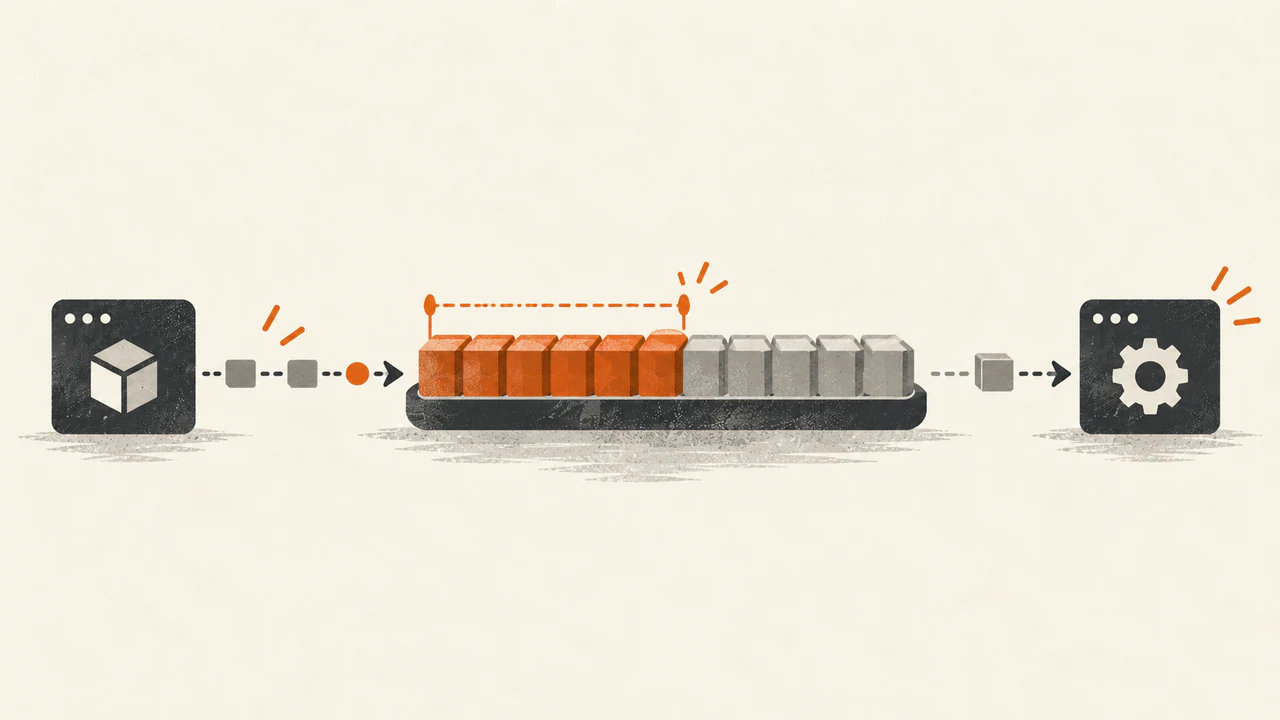
The alert fires: consumer lag on a topic is over the threshold. The first instinct is usually to restart the service or add another instance. Both feel productive. Neither tells you whether anything is actually wrong.
Lag on its own is just a number; what matters is the shape it makes over time.
What lag actually measures
This is about consumer-group lag measured from committed offsets — the number group tooling reports, and not the only way lag can be measured.
A consumer group saves its progress through each partition as a committed offset: the position it would resume from if the process restarted. Lag is the distance between the end of the partition's log and that saved position. Since a consumer may already be working through records it has not committed, lag measured this way can look worse than the real processing delay.
It is also usually shown as an offset gap, not a delay in seconds — and a gap is not a stopwatch. A large gap cleared in seconds is not the same problem as a small one where every record makes a slow downstream call.
A spike that recovers
Picture an ordinary Spring Boot service with a @KafkaListener on a topic. Something upstream publishes a batch — a scheduled job, a retry sweep, a backfill. Lag jumps, the consumer runs behind for a few minutes, then the burst ends and lag drains back toward zero on its own.
A temporary backlog like this can be expected, as long as the processing delay stays inside what the application requires. Absorbing a burst is what a log is for. Push past that requirement and the same shape is a problem — and restarting at the peak can delay recovery rather than speed it up.
Burst that drains
Lag that keeps growing
When lag deserves attention
A different pattern deserves attention:
- Lag climbs and never comes back down, through quiet periods as well as busy ones.
- It drains far more slowly than it built up.
- It sits on one or two partitions while the rest of the group has little to do.
The last one has several possible causes: skewed keys sending most traffic to one partition, slow processing, a record that keeps failing and being retried, or a resource limit on that consumer. Work out which before acting — in a standard consumer group, extra consumers cannot split a single hot partition.
What to check before changing anything
- Incoming rate versus processing rate. If records arrive faster than the consumer can process them and stay that way, the backlog will keep growing. A short spike that settles again is just a burst.
- Errors and retries. A consumer stuck retrying one record looks busy while making no progress.
- Downstream latency. Consumers are often slow not because of Kafka, but because of what they call.
- Rebalances. Frequent rebalances can interrupt processing and slow recovery, and membership changes trigger them — including the restart you were about to do.
- Partition distribution. Spread evenly, or concentrated?
Why adding consumers has a ceiling
Inside a consumer group, each partition is assigned to exactly one consumer. For a group subscribed only to a six-partition topic, at most six consumers can hold an assignment at once; beyond that, some members will have no partitions to read from.
So "add more instances" helps only while there are partitions left to hand out. Past that the options are fewer records, faster processing, or more partitions — which changes how keys map to them.
The takeaway
Judge lag on three things: how long it has been elevated, whether it recovers without help, and whether the delay matters for what the service promises. A payment path and a nightly aggregation can show the same number and mean entirely different things.
There is no single safe threshold for every application. What matters is how far behind this consumer can fall before it affects users or misses a processing deadline — as much a product question as a Kafka one.